417
10 min
SAP S/4HANA Vulnerability: Why Cybersecurity Is a Core Part of Migration Strategy

Ksenia Razumovskaya
Business Development Manager, TeamIdea Group
Moving to SAP S/4HANA is usually seen as a way to change your business – with things like real-time data analysis, simpler data setups, and getting ready for the cloud. But a big security hole that was recently found shows there's another side to consider: the risk to your cybersecurity.
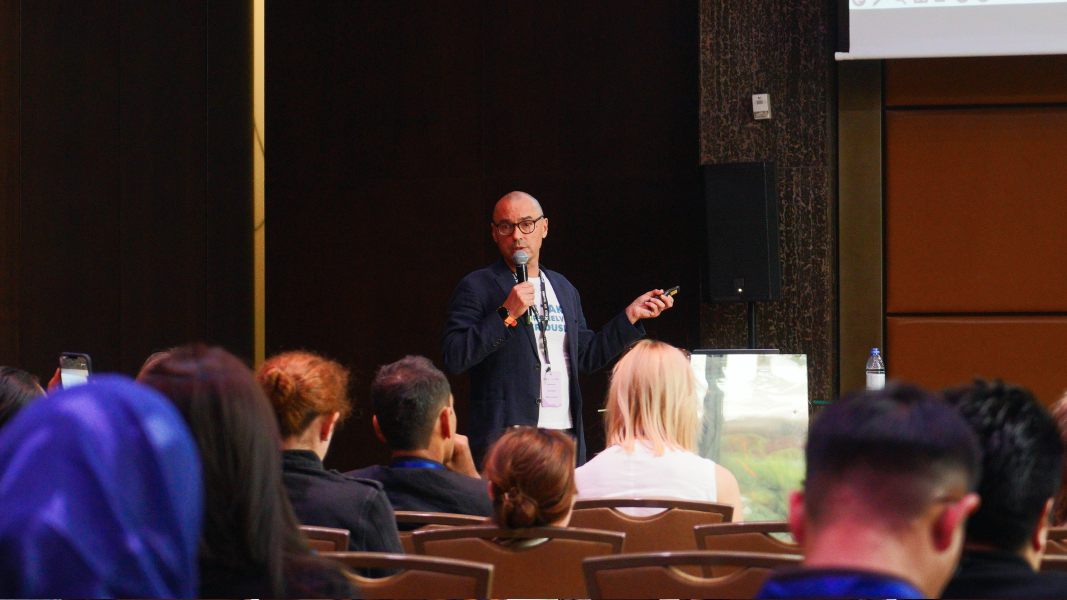
As companies move faster to SAP S/4HANA, the dangers that come with it – like problems in how it's built or new security threats – need both tech skills and careful planning. Getting it right means not just getting it up and running, but also making sure it's stable, tough, and secure from the start.
TeamIdea can help businesses get through the whole S/4HANA process – from checking things out at the beginning and planning the steps, to putting it in place safely and keeping it steady after it goes live. They know a lot about SAP changes, making systems safer, and changing how approvals work, so they’ll make sure things keep running smoothly while adding security to every part of the plan.

This mistake let users who were logged in but didn't have much power put bad ABAP code into the system through Remote Function Call (RFC) and get around the security rules.
Basically, they could take over the whole system. SAP fixed it, but they also said that people were using it in systems that hadn't been patched. This shows us that there's still too much time between when a problem is found and when it's taken care of.
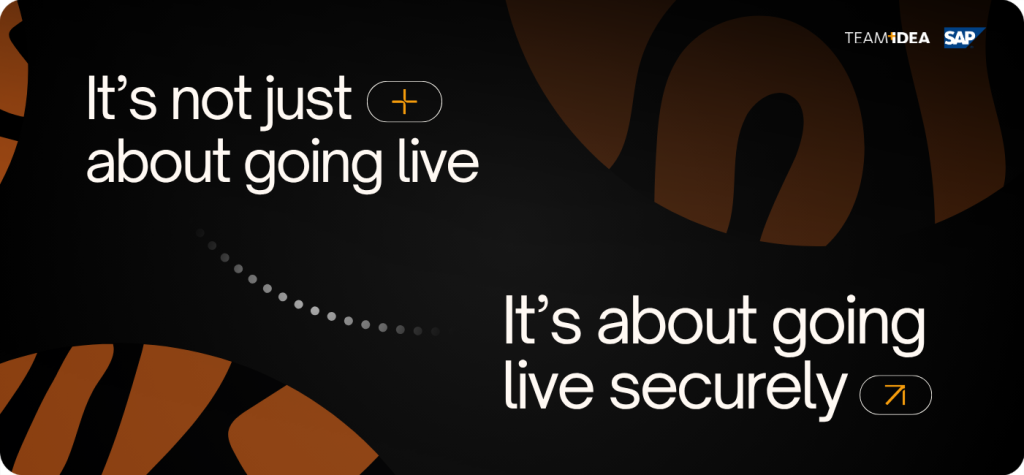
When moving to a new system, people usually focus on:
Even if security is written down in the project plans, it's often not a main concern when doing the work. Teams don't want to put on extra fixes or make the rules too strict while things are being changed, because they don't want to mess up the system.
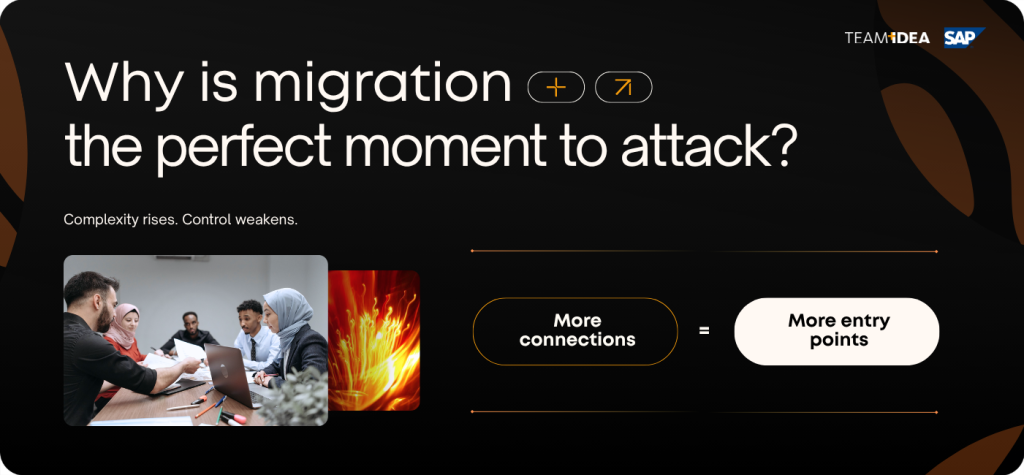
At the same time, S/4HANA systems often have more things connected to them, they also use the cloud or a mix of cloud and local servers, they use APIs a lot and are quite open to outside connections.
Because of all these connections, there are more ways for attackers to get in compared to the old ECC systems that were kept separate. So, moving to a new system creates changes in the setup and also makes things shaky for a while – which is what attackers like to take advantage of.
The picture below shows how almost all the important business processes in a company could be at risk. We'll then look at each of these risks more closely:
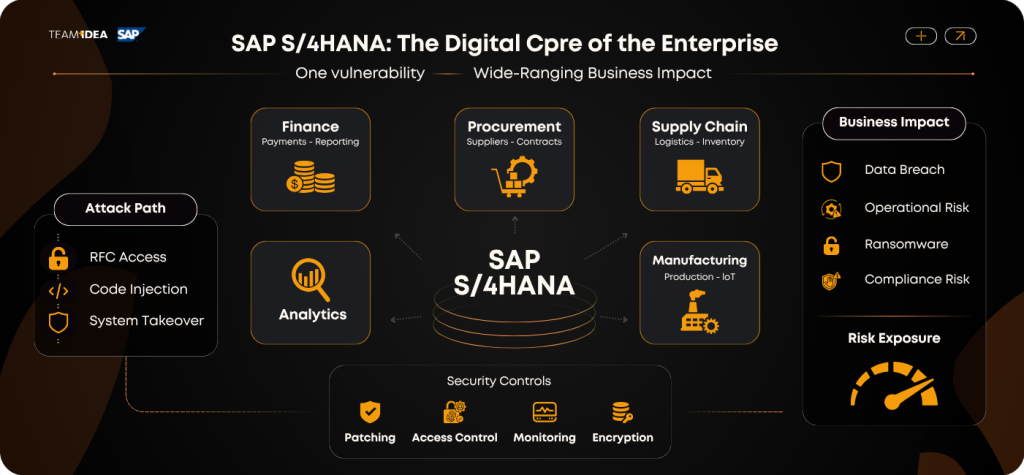
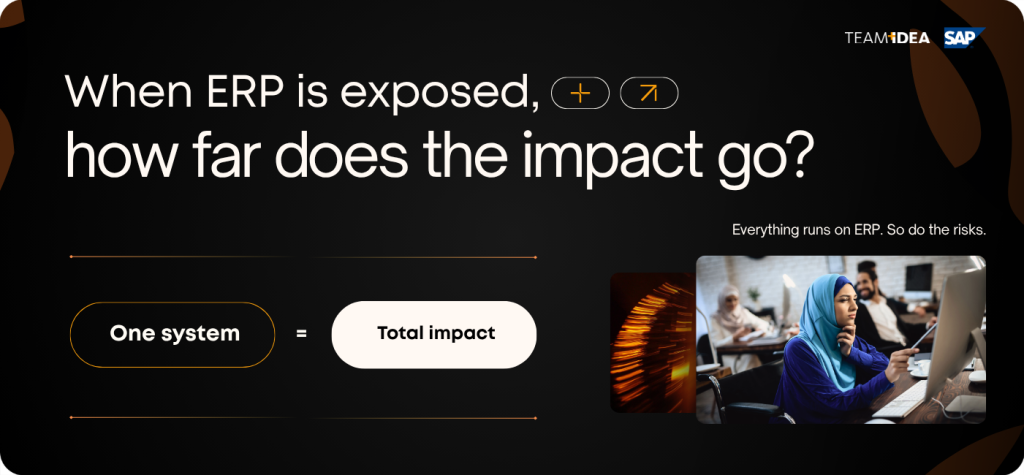
ERP systems aren't just some software add-ons. They're the heart of how a business runs, taking care of:
And if someone messes with your S/4HANA system, they theoretically would be able to: change the money records, mess with payment information, make special fake accounts, screw up the supply chains and put ransomware in the systems. If you're in a business with rules, this causes legal trouble, not just problems with things not working.
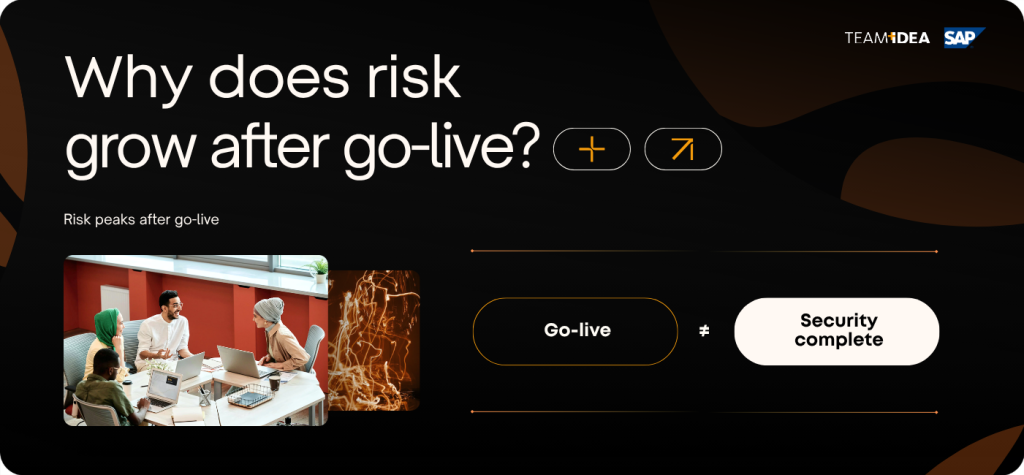
Security holes pop up when:
Funny enough, things are often riskiest after the system goes live. Everyone's happy it's working, but the security isn't fully set up.

1. Fixes and Updates
2. User Permissions
3. Custom Code
4. Remote Access and Linking
5. Watching and Spotting Issues
6. Locking Down After Launch

TeamIdea helps make changes smooth and controlled, making sure the upgrade helps the business instead of making new problems.
As companies move faster to SAP S/4HANA, the dangers that come with it – like problems in how it's built or new security threats – need both tech skills and careful planning. Getting it right means not just getting it up and running, but also making sure it's stable, tough, and secure from the start.
TeamIdea can help businesses get through the whole S/4HANA process – from checking things out at the beginning and planning the steps, to putting it in place safely and keeping it steady after it goes live. They know a lot about SAP changes, making systems safer, and changing how approvals work, so they’ll make sure things keep running smoothly while adding security to every part of the plan.
A short preface
So, why are we even bringing this up? Back in 2025, some folks found a bad mistake in S/4HANA. It was labeled CVE-2025-42957 and got a score of 9.9, which is almost as bad as it gets.This mistake let users who were logged in but didn't have much power put bad ABAP code into the system through Remote Function Call (RFC) and get around the security rules.
Basically, they could take over the whole system. SAP fixed it, but they also said that people were using it in systems that hadn't been patched. This shows us that there's still too much time between when a problem is found and when it's taken care of.
Why This Matters When You're Moving Systems?
This security problem is in S/4HANA – which is what companies are switching to from the old SAP ECC systems as part of SAP's plan for the future.When moving to a new system, people usually focus on:
- moving data over;
- fixing old code;
- changing how things connect;
- making processes the same;
- keeping things steady when it goes live.
Even if security is written down in the project plans, it's often not a main concern when doing the work. Teams don't want to put on extra fixes or make the rules too strict while things are being changed, because they don't want to mess up the system.
At the same time, S/4HANA systems often have more things connected to them, they also use the cloud or a mix of cloud and local servers, they use APIs a lot and are quite open to outside connections.
Because of all these connections, there are more ways for attackers to get in compared to the old ECC systems that were kept separate. So, moving to a new system creates changes in the setup and also makes things shaky for a while – which is what attackers like to take advantage of.
The picture below shows how almost all the important business processes in a company could be at risk. We'll then look at each of these risks more closely:
Business Impact: This Isn't Just an IT Thing
ERP systems aren't just some software add-ons. They're the heart of how a business runs, taking care of:
- Money stuff
- Buying and supply chains
- What's in stock and how it moves
- Making things
- Paychecks and HR
And if someone messes with your S/4HANA system, they theoretically would be able to: change the money records, mess with payment information, make special fake accounts, screw up the supply chains and put ransomware in the systems. If you're in a business with rules, this causes legal trouble, not just problems with things not working.
Why Some Projects Get Spotty
Security holes pop up when:
- Before going live, old user roles and permissions get copied over without being fixed.
- At the start, people get too much access to get things working.
- After the launch, updates and security get put off to not stop anything.
Funny enough, things are often riskiest after the system goes live. Everyone's happy it's working, but the security isn't fully set up.
Security Checklist for SAP S/4HANA changes
Now, to keep security from being forgotten when switching systems, remember these things when planning your S/4HANA change:1. Fixes and Updates
- Keep an eye on SAP Security Notes.
- Have rules for how fast important updates must be installed.
- Make sure updates are checked as part of the launch.
2. User Permissions
- Don't just copy the old user setups.
- Give people only what they need.
- Check how remote access is set up.
3. Custom Code
- Check your custom code for problems.
- Get rid of useless stuff when fixing problems.
- Use tools to check your code for security.
4. Remote Access and Linking
- Only allow trusted systems to connect.
- Make sure communication is secure.
- Check how logins and encryption work.
5. Watching and Spotting Issues
- Turn on logging for important actions.
- Watch out for new special users being created.
- Use tools to spot weird system behavior.
6. Locking Down After Launch
- Carefully check the security after things have settled down.
- Test the new system for weaknesses.
- Check the risks again if you have part of your system in the cloud.
Big Picture (Conclusion)
Switching to S/4HANA isn't just a tech upgrade. It's changing how your business runs, connects, and shows its main digital stuff. The latest security problem reminds us that changing systems without good security can make things riskier. S/4HANA has better ways of doing things, but its wide connections need good security. Businesses that see security as just something to check off might just react to problems. Those that make it part of the change will be stronger as they get up to date. The question is, are you changing to S/4HANA safely and securely from the first day? A good plan reduces weaknesses, speeds up getting things stable, and keeps important processes safe.TeamIdea helps make changes smooth and controlled, making sure the upgrade helps the business instead of making new problems.